Your Stream Deck, live in Affinity.
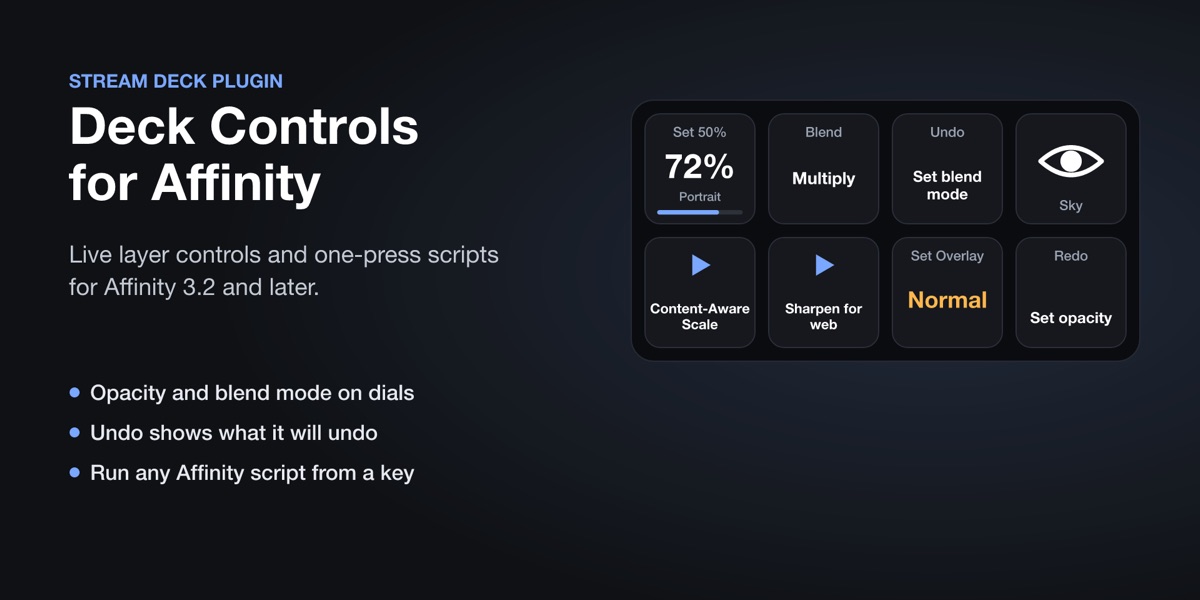
Deck Controls puts Affinity on your Stream Deck keys and dials, with real values on them: the selected layer's opacity and blend mode, what Undo will undo, whether a layer is showing. And any script from your Script Library, one press away.
// see it
Keys and dials that show Affinity's real values
// what it does
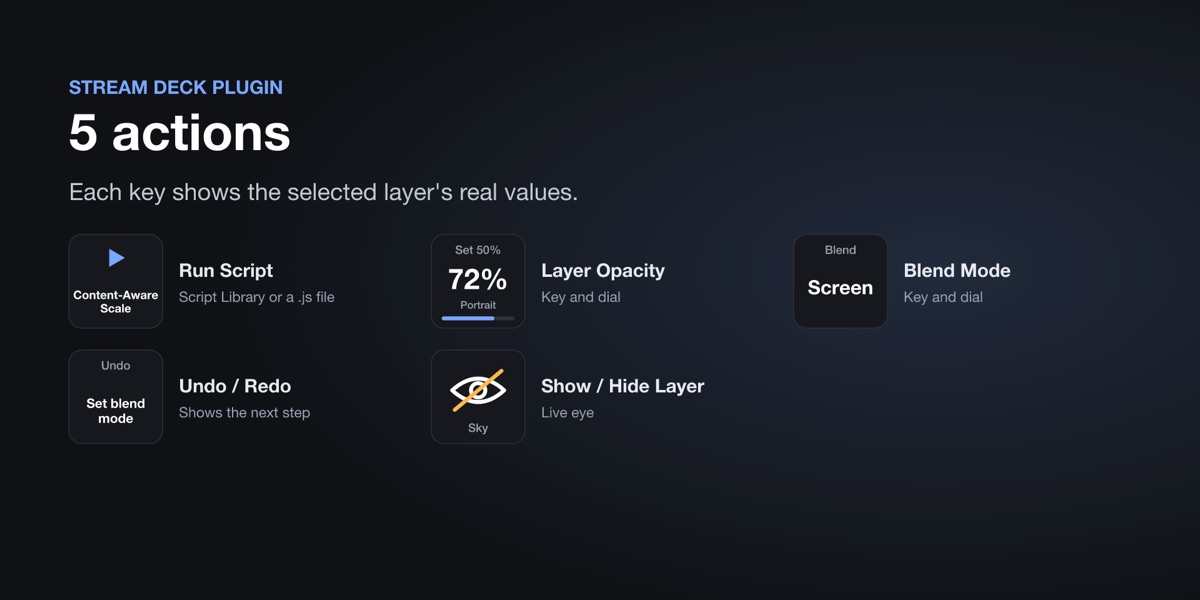
What's on the keys
Layer opacity
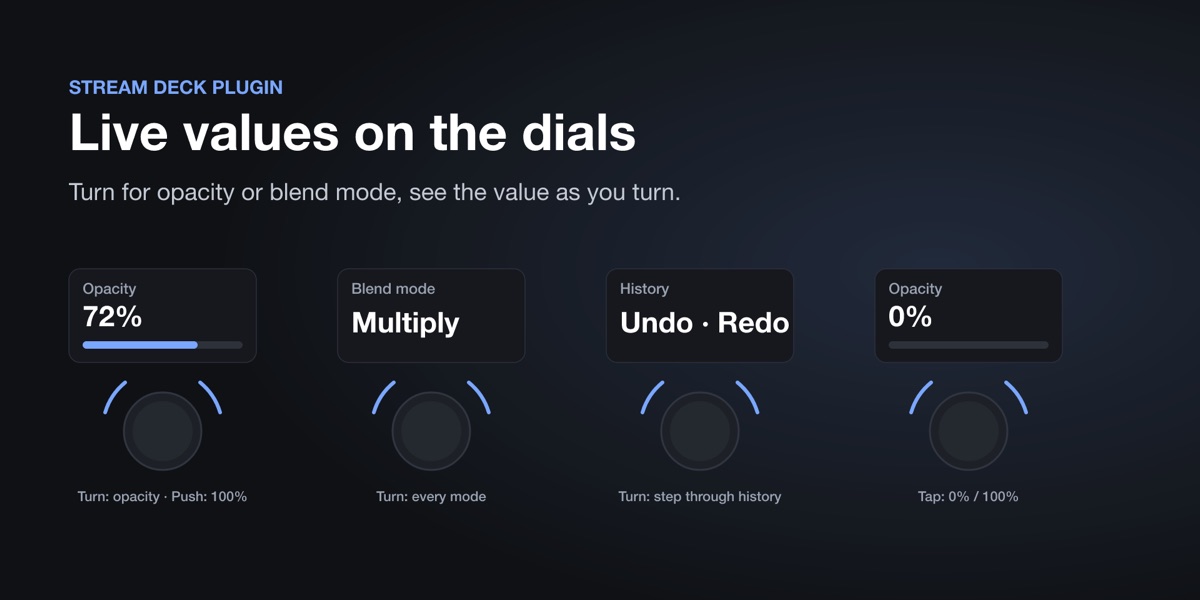
A key sets a fixed value. On a Stream Deck + dial, turn to change it, push for 100%, tap the screen for 0% / 100%.
Blend mode
Set one mode, cycle through your favourites, or scroll through every mode on a dial. The key shows the current mode.
Undo / redo
The key shows the step it will undo or redo. On a dial, turn to step back and forth through the history.
Show / hide
A live eye for the selected layers.
Run scripts
Any script in Affinity's Script Library, or a .js file: converted Photoshop actions from Action Converter, Content-Aware Scale, your own.
Always current
Keys update as you work in Affinity, and say what's missing if Affinity isn't running or nothing is selected.
// get it
Get Deck Controls for Affinity
Coming to the Elgato Marketplace soon. This page will link to it once it's live.
// set up
Set it up
1 · Install the plugin
From the Elgato Marketplace, in the Stream Deck app.
2 · Turn on MCP in Affinity
Settings › Model Context Protocol › Enable MCP server. This lets the plugin talk to Affinity on your computer.
3 · Drag actions onto keys
Find "Deck Controls for Affinity" in the Stream Deck app's action list. Pick scripts and values in each key's settings.
// questions
Questions
Which Affinity do I need?
The current Affinity app by Canva (free), version 3.2 or later, which has the MCP server setting. Affinity Photo, Designer and Publisher 1 and 2 don't.
Do I need a Stream Deck +?
No. Every action works on keys, on any Stream Deck, including Stream Deck Mobile. Dials (Stream Deck +) add turning and live values on the touch strip.
Does anything leave my computer?
No. The plugin talks to Affinity over your computer's local connection only.
Questions?
Ask us anything about Deck Controls. We reply within one business day. Everything stays on your computer: see the privacy policy.
Affinity is a trademark of Canva. Stream Deck is a trademark of Corsair Memory, Inc. Deck Controls is made by Senyi Labs and is not made, endorsed or sponsored by Canva or Elgato.